Fast generation with rich visual detail
Explore ideas with Flash-speed image generation and editing. Nano Banana 2 combines textured surfaces, expressive lighting and fine detail, with 1K, 2K and 4K output options available here.
Open the generator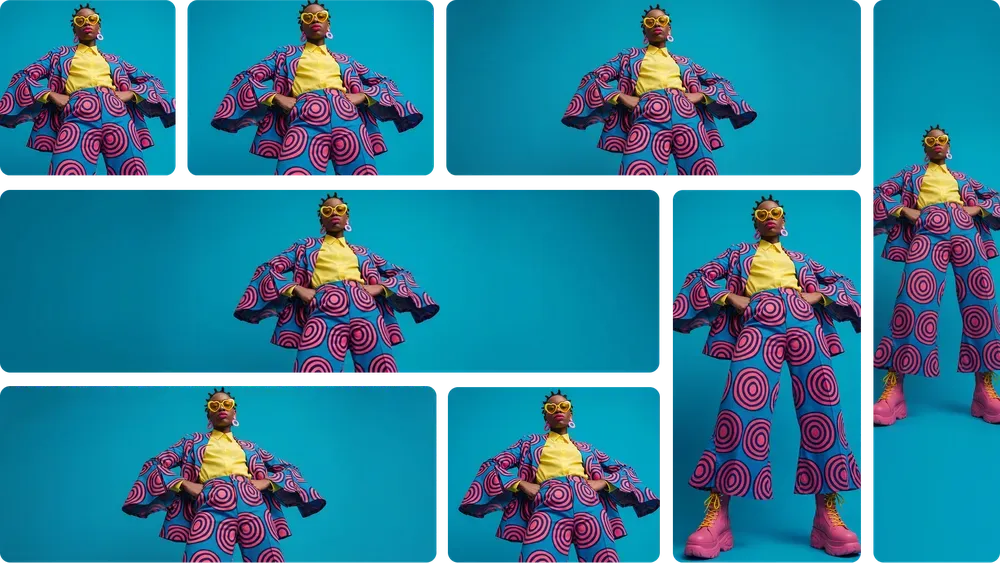
Create and edit images with Nano Banana 2 Free, combining up to 14 reference images in one request. Choose 1K, 2K or 4K output and a range of aspect ratios for product concepts, illustrations and social content.
Upload an image and describe your edits
Use Nano Banana 2 Free to create and edit images. Upload a reference and describe a change, or switch to Text to Image. Each daily check-in gives you 2 free generations for one chosen model, with no subscription required to claim.
Nano Banana 2 Free combines fast image generation with detailed visuals, readable text and consistent subjects across creative variations.
Explore ideas with Flash-speed image generation and editing. Nano Banana 2 combines textured surfaces, expressive lighting and fine detail, with 1K, 2K and 4K output options available here.
Open the generatorGenerate images that combine illustrations with labels, headings and short text. The model can organize information into diagrams and infographics, helping turn a written explanation into a visual concept.
Open the generator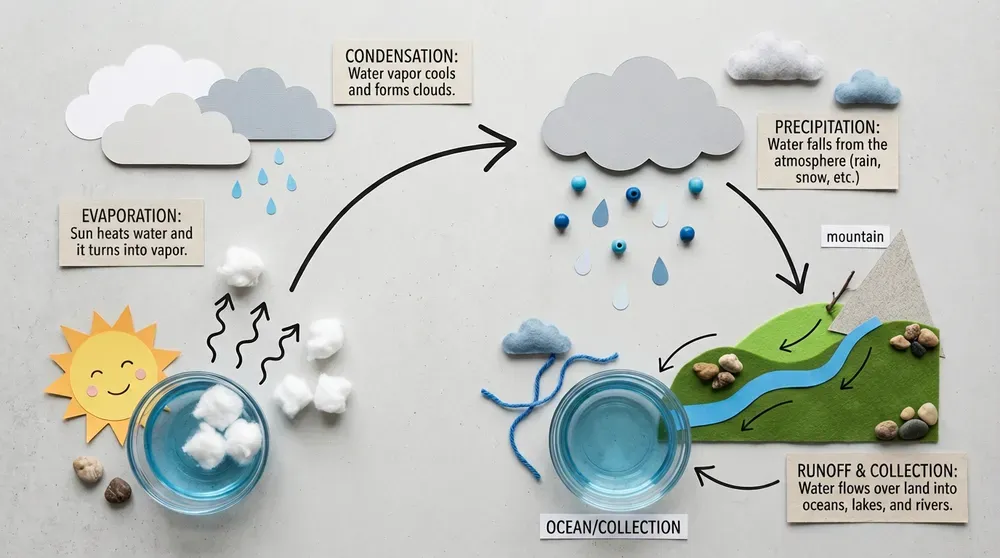
Use reference images to retain recognizable subjects across new scenes and compositions. Character appearance and object details can carry through visual variations, supporting storyboards and coordinated image sets.
Open the generator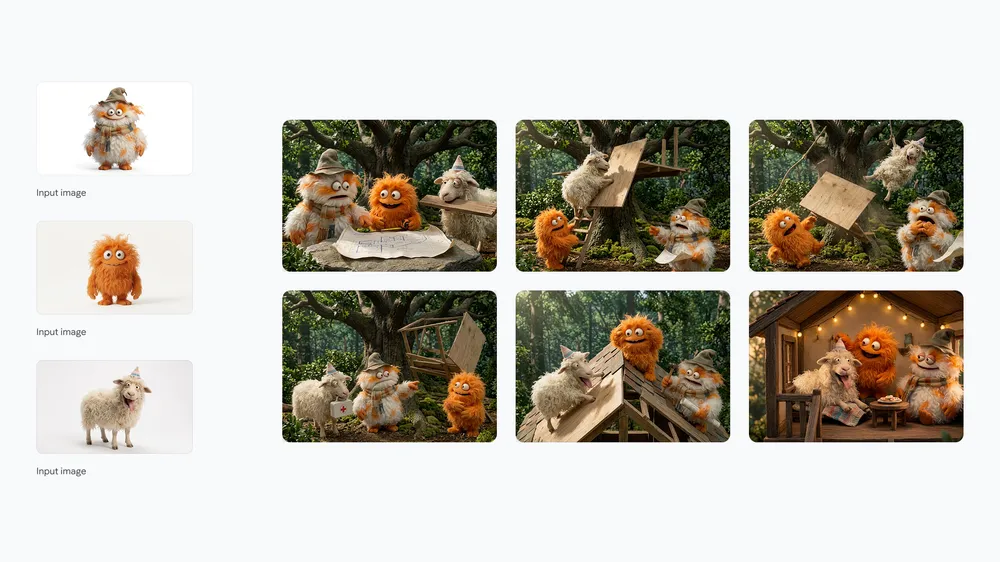
Guide composition, color, viewpoint and artistic treatment with detailed instructions. The model follows complex visual briefs, giving you control over the look and arrangement of a scene.
Open the generator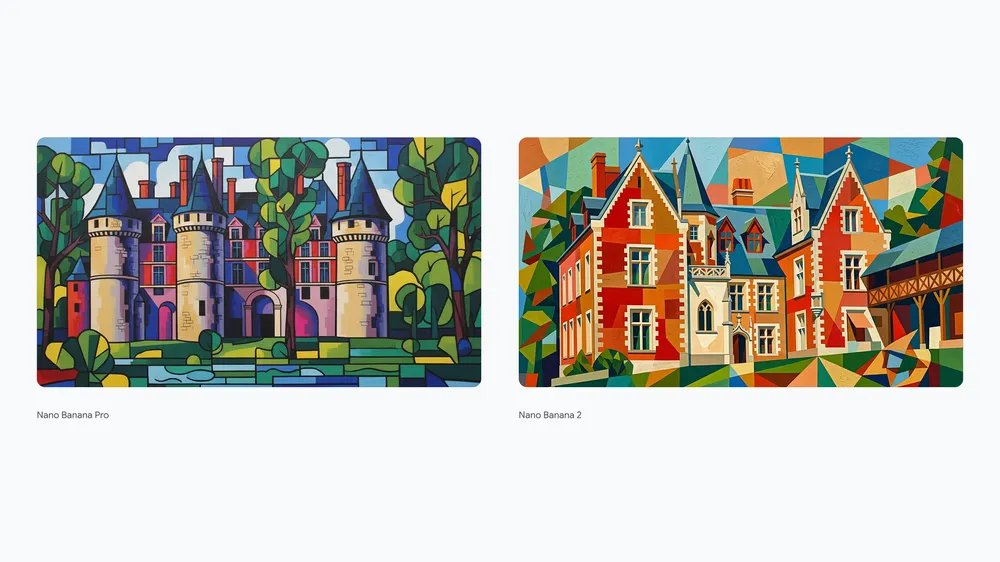
Turn a small idea into a useful first draft with Nano Banana 2 Free.
Sign in and choose Nano Banana 2 Free at daily check-in. Complete verification to receive 2 free generations for this model. You can check in once each local day.
Upload a reference and describe your edit, or switch to Text to Image. Choose any settings supported by the model.
Select free billing and generate. Each generation uses one allowance. Review and download your results, then use your remaining allowance or credits for more.
Start with a task you already need to finish, then make the visual brief specific.
Shop owners can begin with a product photo and describe a cleaner surface, softer light, or seasonal setting. Use the draft to plan a storefront visual and inspect the product details before publishing.
Start with a portrait you have permission to use and describe clothing, background, and mood. Create a profile concept that fits a personal project, then check the face and surrounding details at full size.
Writers and illustrators can upload a character reference and describe a new scene. Use the result to explore an expression or environment and communicate the next story beat to a collaborator.
Creators can bring a subject photo and a clear message for a seasonal post. Describe the palette and composition, then use the result as a draft for your social campaign artwork.
Designers can start with a room photograph and ask for a material or lighting change. Use the image to compare a proposed mood with the existing space during a design discussion.
Teachers can describe a simple subject or upload a reference to make an illustrated activity prompt. Review the details for accuracy and use the image to support a discussion or creative writing exercise.

Designer · Branding
A bottle photo and a few lines about the backdrop gave me a concrete direction for a product moodboard. It made the conversation with my collaborator much easier.

Illustrator · Stories
The character reference is my favorite starting point. Changing the setting while keeping familiar visual cues helps me sketch the next moment in a story.

Creator · Social
For a seasonal post, I turned a simple subject into a soft illustration. Having an image to react to helped me settle on the colors and mood.
Sign in and choose Nano Banana 2 Free at daily check-in to receive 2 free generations. Select free billing in the generator. Both allowances support all settings available for this model and expire after 24 hours.
No. Each account can check in once per local calendar day and receive 2 generations for one chosen model. Availability depends on the shared daily allocation.
Yes. Nano Banana 2 Free starts in Image to Image mode. Upload a reference and describe your edit, or switch to Text to Image to create a scene from a written brief.
Your 2 free generations support all settings available for Nano Banana 2 Free, including 1K, 2K and 4K wherever the model supports them. Each generation uses one allowance, regardless of resolution. Additional generations can use credits.
A confirmed failed free task releases its grant for another attempt within the original 24-hour validity. A task still being checked keeps its grant reserved until the result is known.
Download the result and inspect faces, lettering, and fine details before sharing it. Use references you have permission to upload, and check the rights relevant to your intended use.
Bring a photo or a short creative brief to Nano Banana 2 Free. Choose your daily model, claim an available reward, and give one idea a visual form.